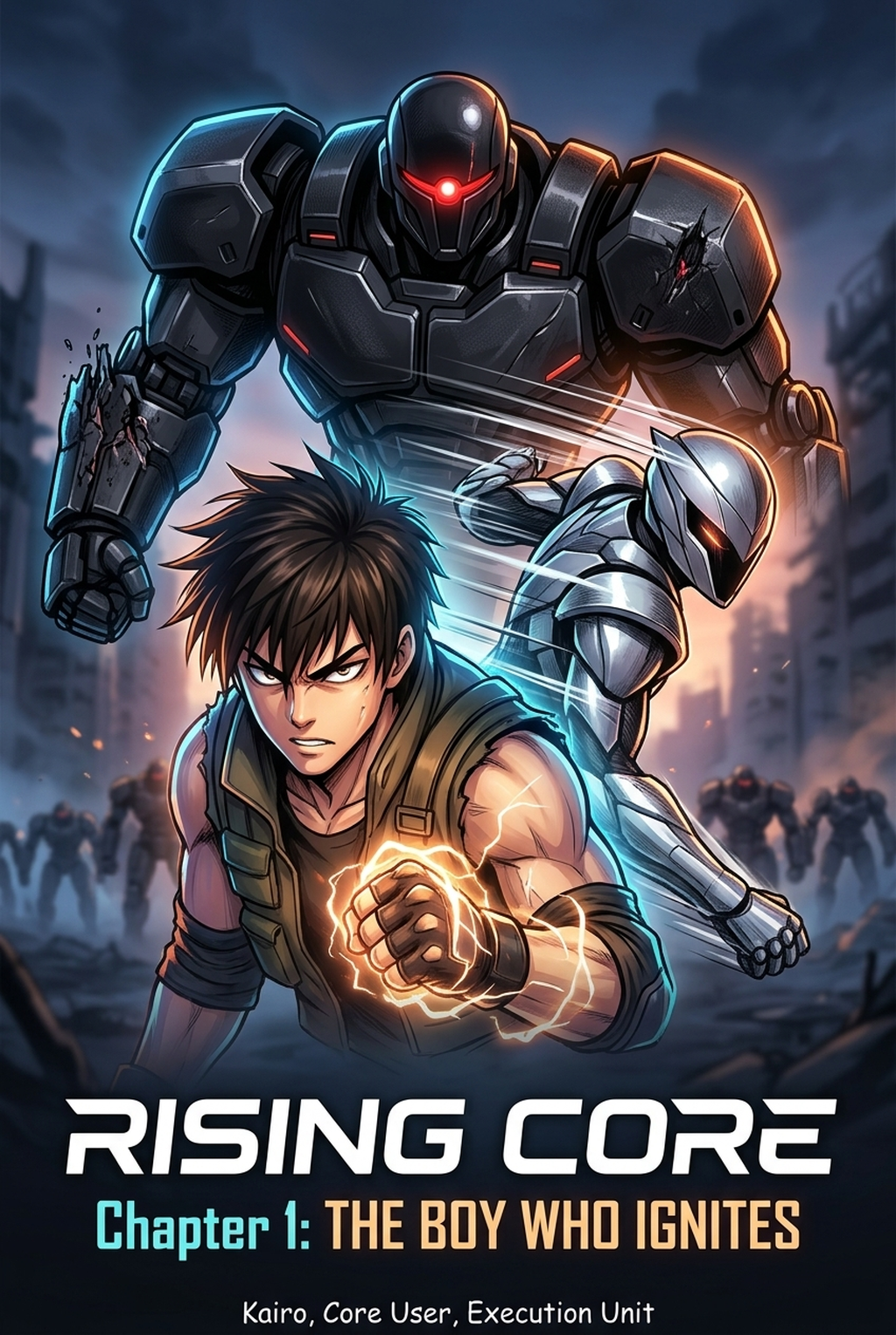
Seinen manga inking is a production tradeoff: Mangaka favors faster first-pass pages, while Clip Studio AI keeps the artist closer to brush, layer, and export decisions. For Seinen work, that choice affects shadow density, line-weight consistency, and the time left for final human review. The main tradeoff is fast first-pass page output versus deeper manual control before export.
Compare Core Workflow for Seinen Manga Inking
The Anime News Network feature on how manga is made describes manga production as staged work from rough draft to finished page, which makes workflow placement the key comparison point. The core workflow question is where the creator wants control to sit: before generation, during manual cleanup, or at final export. Mangaka moves more work into the first-pass generation step, while Clip Studio AI keeps more decisions inside the artist's manual workspace.
Mangaka: Generates Manga Pages from a Creator Brief
Mangaka approaches the page production process as a structured output system. By focusing on the conversion of rough, hand-drawn pencils into professional, industry-standard black-and-white line art, it minimizes the mechanical burden of tracing your own work. The system is built to interpret the intent behind your strokes, specifically preserving the line weight variations necessary for the dark, textured aesthetics common in seinen titles .
Clip Studio AI: Supports Studio-Based Illustration Work
Clip Studio AI uses a different philosophy, treating AI as a supportive layer atop a deep, manual software suite. The AI components here are designed to assist with coloring, filtering, and pose generation, but the fundamental inking remains a manual task. Artists spend a significant portion of their time adjusting vector layers and pressure sensitivity settings, making this an ideal environment for those who prefer to remain hands-on with every panel.
Compare Feature Coverage for Seinen Creators
Feature coverage should stay tied to drawing work, not generic AI art claims. The Wacom comic and manga creation guide anchors this section in brush control, cleanup, and page-production practice.
Mangaka: Converts Scripts into Panels and Line Art
When you upload your rough layouts or sketches to Mangaka's Seinen manga inking tool , the tool performs a specialized transformation that bridges the gap between composition and final ink. It recognizes the specific needs of seinen storytelling, where high-contrast shadows and clean, sharp details define the mood. By automating the cleanup phase, the tool ensures that the grit of your original vision remains while removing the tedious labor of manual cross-hatching and line refinement.
Clip Studio AI: Controls Drawing, Editing, and Asset Detail
Clip Studio AI is stronger at providing a massive library of assets, including 3D models and pattern brushes, which are essential for maintaining the complex backgrounds and mechanical details often found in seinen manga. While the AI features facilitate faster color blocking or quick tone application, the inking process itself is a "do-it-yourself" affair. Creators who need to adjust line thickness on a per-pixel basis often prefer the granular control provided by this industry-standard software.
Verify Page Quality Before Export
A reliable page-quality trial compares the same Seinen reference, generated page, and final export format in both products. Line quality, panel readability, and file handoff matter more than generic AI-art claims.
Compare Panel Quality and Style Control
Quality control depends on whether the creator can still adjust line weight, cleanup, and export settings after AI assistance. The W3C PNG specification defines PNG as a lossless raster format with optional alpha-channel support; that matters when manga review files need crisp black lines, transparent backgrounds, and predictable web uploads.
Mangaka: Preserves Black-And-White Panels Consistency Across Pages
One of the hardest parts of long-form manga production is keeping the art style consistent as the series progresses. Mangaka addresses this by applying a unified inking logic to your sketches, ensuring that line weight, shadow density, and ink quality remain uniform throughout an entire chapter. For artists aiming to publish serialized content, this level of technical stability is vital to maintaining the visual identity of the characters and their world.
Clip Studio AI: Enables Manual Control for Detailed Edits
If your workflow involves constantly tweaking panel composition or adding specific hand-drawn details that require a personal touch, Clip Studio provides the necessary depth. The AI features are modular; you can apply them to some panels while opting for complete manual control in others. This flexibility allows for an inconsistent, painterly, or highly detailed aesthetic that can be adjusted on the fly, though it often requires more active maintenance to keep the art looking cohesive across a volume.
Compare Production Cost and Time Tradeoffs
Mangaka: Reduces Setup Time for Manga Page Production
Mangaka is purpose-built for creators who want to prioritize the narrative and composition phase of manga production. By delegating the repetitive inking tasks to an automated system, it cuts down the hours required to prepare pages for print or digital release. This is particularly advantageous for independent creators who manage every aspect of their book—from storyboarding to final export—without the help of an extensive studio staff.
Clip Studio AI: Supports Full Studio Art Processes
Clip Studio AI pricing should be weighed against the hours an artist spends on brush setup, layered files, manual redraws, and export cleanup. It can justify the subscription when the creator needs a full illustration workspace before page assembly. The cost comparison is subscription fee plus production time, not only the monthly plan.
Which Tool Should You Choose?
| Technical Criterion | Mangaka Inker | Clip Studio AI |
|---|---|---|
| AI Image Generation | Generates manga-page output from a creator brief or sketch with line-art consistency as the main target | Supports broader illustration assistance inside a studio drawing workflow |
| File Format and Export | Best for review-ready manga line art, PNG/web exports, and simple page handoff | Stronger for layered CLIP/PSD-style editing, brush work, and manual asset control |
| Script or Sketch Conversion | Converts story input or rough sketches into panel-ready inking direction | Requires more hands-on setup when the creator wants page structure from a brief |
| Manual Drawing Control | Reduces setup and cleanup for creators who want a fast first pass | Gives artists deeper control over brush behavior, layer structure, line weight, and detailed redraws |
| Style Consistency | Helps keep Seinen line weight and panel readability consistent across pages | Depends more on the artist maintaining consistency through manual edits |
| Best-Fit Creator | Seinen creators who prioritize speed and readable line art | Artists who need hands-on control before page assembly |
Choose Mangaka When Manga Output Leads
Choose Mangaka when the goal is fast Seinen line art, panel readability, and export-ready manga output from a clear brief. The stronger fit is a creator who wants to turn sketches or story input into a usable first pass without spending the whole session on manual tracing. A final human review still matters, but the first draft should already preserve the story moment and core character design.
Choose Clip Studio AI When Manual Art Control Leads
Choose Clip Studio AI when the artist wants deeper brush control, layered editing, and manual refinement before assembling the final page. That makes it a studio-first choice rather than an automated inking shortcut. Compare the same brief in both tools and decide whether the extra manual control improves the page enough to justify the added production time.
The Bottom Line
A useful inking pass keeps the story goal, visual style, and review step clear before export. Mangaka gives creators a faster first pass without removing the final human review. Start creating with Mangaka's Seinen manga inking tool when you are ready to turn the reviewed idea into finished manga pages.



Discussion