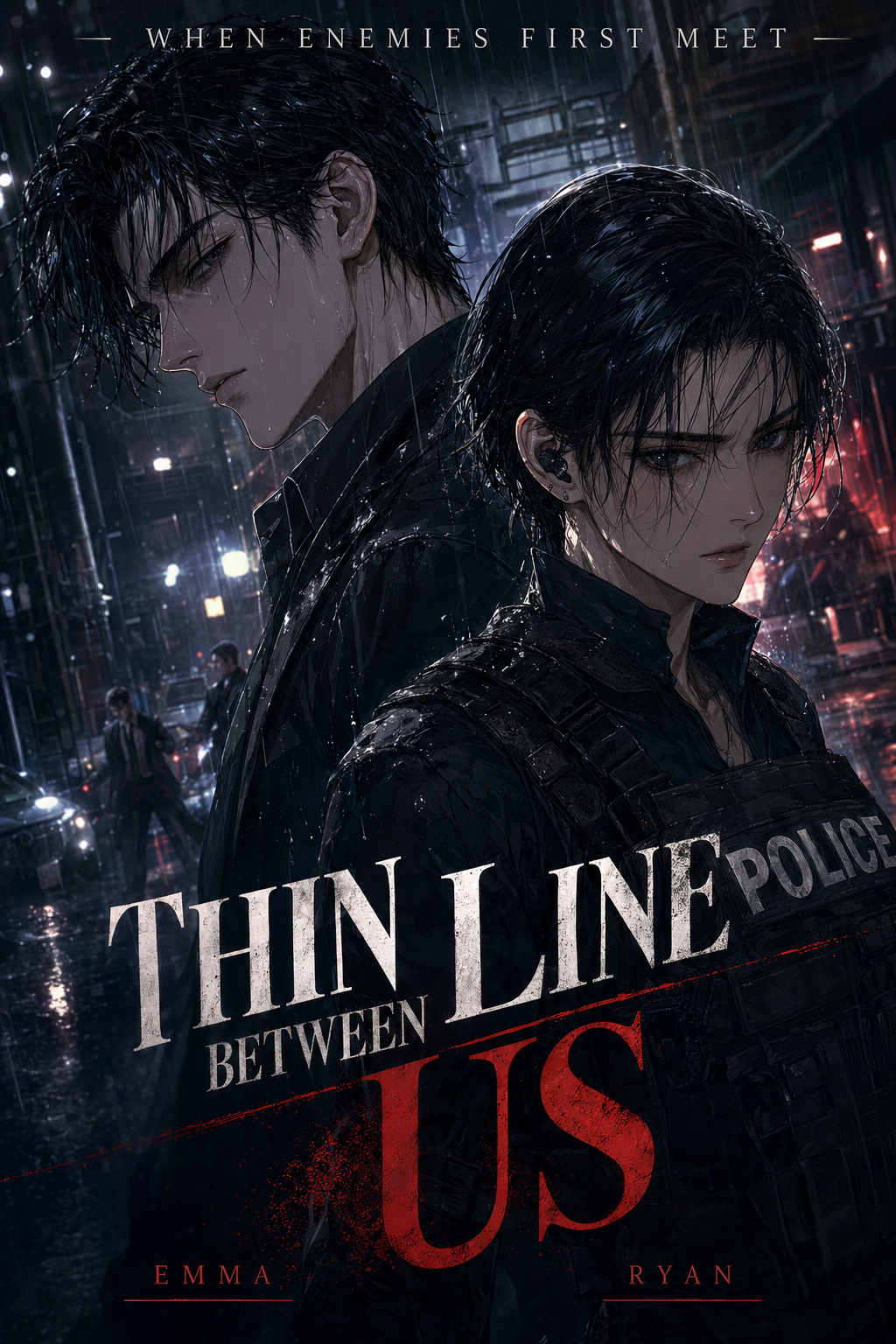
Isekai manga inking is a production tradeoff: Mangaka favors faster first-pass pages, while Clip Studio AI keeps the artist closer to brush, layer, and export decisions. For Isekai work, that choice affects shadow density, line-weight consistency, and the time left for final human review.
Compare Core Workflow for Isekai Manga Inking
The Anime News Network feature on how manga is made frames manga as staged production from rough draft to finished page. For this comparison, that means judging where each tool shifts sketch cleanup, inking, and final review work.
Reader expectations should shape how creators review pacing, expression, and genre clarity after generation. net/news) keeps that audience context visible, so Isekai pages should be judged by whether readers can follow the action, character role, and visual rhythm. 175657) describes manga production as staged work from rough draft to finished page, which makes workflow placement the key comparison point. You know that the gap between a rough idea and a finished page often widens during the inking phase. When you are building a serialized isekai story, your time is best spent on character expressions and environment world-building rather than tracing digital ink lines over a pencil sketch.
Mangaka: Generates Manga Pages from a Creator Brief
Mangaka focuses on transforming your rough hand-drawn pencil sketches into high-quality, professional inked line art. By handling the heavy lifting of path generation and line stabilization, it removes the need to manually trace every stroke. You can upload your sketches directly and let the tool apply clean, consistent pressure sensitivity across every panel, which is vital when you are managing the demanding visual style of modern full-color vertical comic platforms.
Clip Studio AI: Supports Studio-Based Illustration Work
Clip Studio is a comprehensive software suite that provides artists with an immense library of digital brushes, vectors, and manual-assist tools. When you use their AI features, they generally act as a set of guided brushes that react to your pen pressure. You remain entirely responsible for the stroke, meaning you have to manually guide the line for every single element in your frame, which provides maximum control but requires a significant time investment.
Compare Feature Coverage for Isekai Creators
The Wacom comic and manga creation guide ties tool choice to hands-on drawing practice. That keeps feature evaluation focused on brush control, line cleanup, panel continuity, and export readiness.
Mangaka: Converts Scripts into Panels and Line Art
Mangaka bridges the gap by allowing you to focus on the narrative flow rather than the technical execution of the ink lines. Because it specializes in converting sketches into inked art, it helps you maintain line-weight consistency even when you are depicting complex transformations or magical effects. If you find your progress slowing down due to the tedium of cleaning up sketches, Try Mangaka's Isekai manga inking tool when you want to see how the system handles complex line work automatically.
Clip Studio AI: Controls Drawing, Editing, and Asset Detail
Clip Studio acts as a traditional studio environment where you build every layer from scratch. You benefit from their advanced asset ecosystem, which includes 3D models for character posing and material layers for textures like chainmail or stone. While this is helpful for building a visual library, it requires you to be proficient in complex software menus and layer management to ensure your panels look cohesive.
Page Quality Before Export
A reliable page-quality trial compares the same Isekai reference, generated page, and final export format in both products. Line quality, panel readability, and file handoff matter more than generic AI-art claims.
Compare Panel Quality and Style Control
MyAnimeList manga news keeps reader-facing genre expectations visible. Isekai output should therefore be judged by action clarity, character role, visual rhythm, and whether readers can follow the page without extra explanation.
Mangaka: Preserves Full Color Manga Consistency Across Pages
Mangaka uses intelligent pattern recognition to ensure that lines remain stable throughout your story. By automating the cleanup of your sketches, the tool applies a uniform aesthetic to your lines, meaning your character’s costume details won't look different from panel to panel. This is critical for isekai manga where character designs often feature high-complexity gear that needs to remain recognizable in every action sequence.
Clip Studio AI: Enables Manual Control for Detailed Edits
Clip Studio gives you total authority over every pixel. You can manually adjust the tapering of every line, resize vector nodes, and change line colors on a whim. While this level of control is unparalleled for high-end digital artists, it demands a "pixel-perfect" mindset that can hinder the speed of a weekly release schedule, as you must constantly balance creative freedom with the pressure of a deadline.
Compare Production Cost and Time Tradeoffs
Your time has a concrete value, and your choice of software dictates how many pages you can output per month. Whether you are an independent creator or a small team, your choice must align with your production capacity.
Mangaka: Reduces Setup Time for Manga Page Production
Mangaka is designed for creators who prioritize speed and efficiency in their production process. By removing the repetitive, non-creative hours spent on sketching cleanup, it allows you to output completed pages faster. This setup is useful if you are looking to maintain a high-frequency upload schedule without compromising on the quality of your ink lines.
Clip Studio AI: Supports Full Studio Art Processes
Clip Studio AI pricing should be weighed against the hours an artist spends on brush setup, layered files, manual redraws, and export cleanup. It can justify the subscription when the creator needs a full illustration workspace before page assembly. The cost comparison is subscription fee plus production time, not only the monthly plan.
Which Tool Should You Choose?
Mangaka and Clip Studio AI should be chosen by matching the tool to the page outcome, not by brand preference. Compare first-pass speed, manual control, line quality, export format, and the amount of cleanup still required before a creator can publish or hand the page to another artist.
| Technical Criterion | Mangaka Inker | Clip Studio AI |
|---|---|---|
| AI Image Generation | Generates manga-page output from a creator brief or sketch with line-art consistency as the main target | Supports broader illustration assistance inside a studio drawing workflow |
| File Format and Export | Best for review-ready manga line art, PNG/web exports, and simple page handoff | Stronger for layered CLIP/PSD-style editing, brush work, and manual asset control |
| Script or Sketch Conversion | Converts story input or rough sketches into panel-ready inking direction | Requires more hands-on setup when the creator wants page structure from a brief |
| Manual Drawing Control | Reduces setup and cleanup for creators who want a fast first pass | Gives artists deeper control over brush behavior, layer structure, line weight, and detailed redraws |
| Style Consistency | Helps keep Isekai line weight and panel readability consistent across pages | Depends more on the artist maintaining consistency through manual edits |
| Best-Fit Creator | Isekai creators who prioritize speed and readable line art | Artists who need hands-on control before page assembly |
Choose Mangaka When Manga Output Leads
Choose Mangaka when the goal is fast Isekai line art, panel readability, and export-ready manga output from a clear brief. The practical fit is a creator who wants to turn sketches or story input into a usable first pass without spending the whole session on manual tracing. A final human review still matters, but the first draft should already preserve the story moment and core character design.
Choose Clip Studio AI When Manual Art Control Leads
Choose Clip Studio AI when the artist wants deeper brush control, layered editing, and manual refinement before assembling the final page. That makes it a studio-first choice rather than an automated inking shortcut. Compare the same brief in both tools and decide whether the extra manual control improves the page enough to justify the added production time.
The Bottom Line
A useful inking pass keeps the story goal, visual style, and review step clear before export. Mangaka gives creators a faster first pass without removing the final human review. Start creating with AI-assisted line-art workflow with Mangaka when you are ready to turn the reviewed idea into finished manga pages. Test it with one real page goal, one reference boundary, and one export requirement so the decision stays tied to production quality.



Discussion