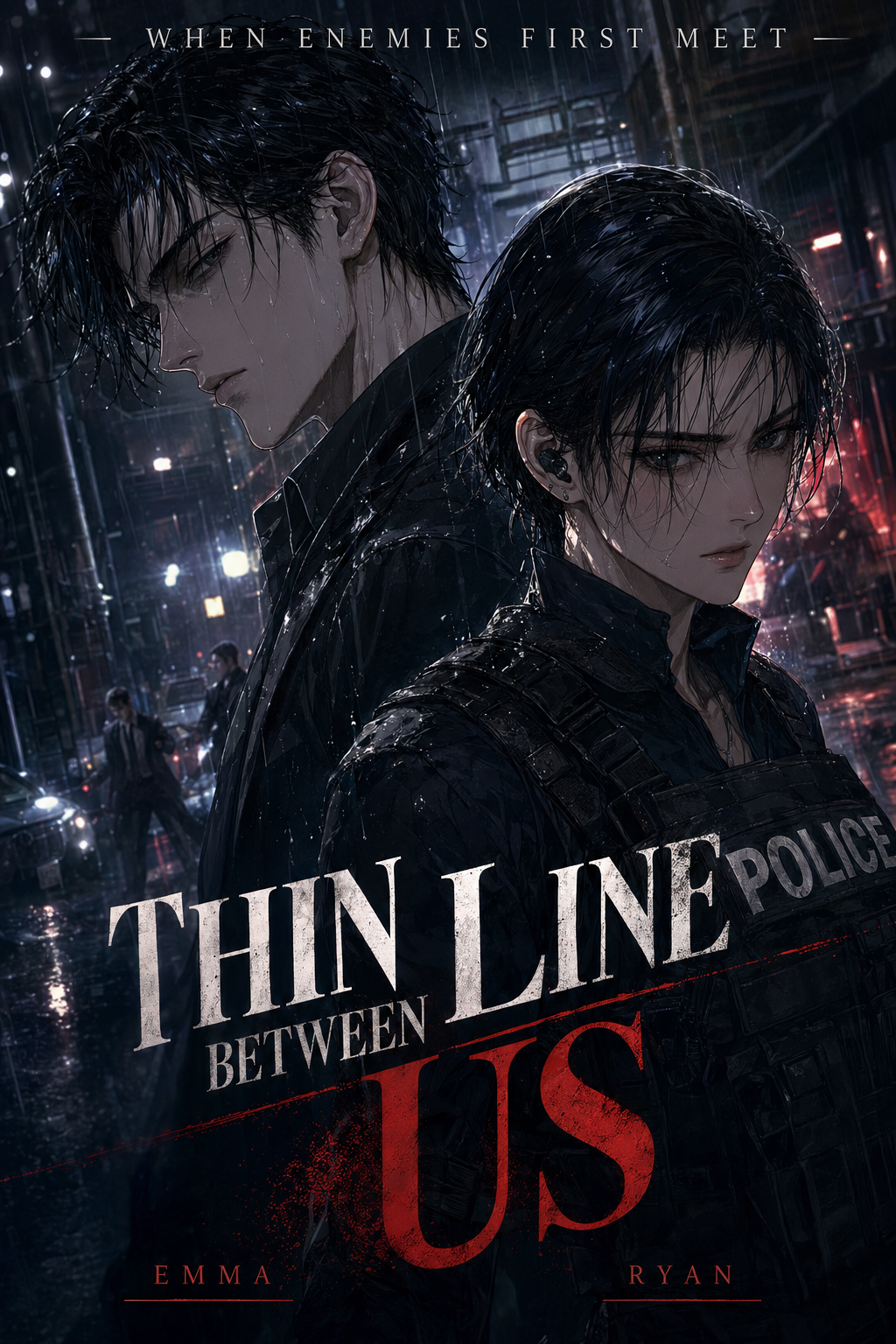
What is manga colorization?
Manga colorization is the process of adding color to manga artwork, which is traditionally published in black and white. This involves applying hues, shades, and gradients to the panels, characters, backgrounds, and special effects within a manga page. The goal is to enhance the visual appeal, storytelling impact, and overall experience for the reader. While manga has a rich history in black and white, the addition of color can bring new dimensions to the art, making it more engaging and dynamic.
Why AI Manga Colorist matters for manga creators
The rising popularity of AI Manga Colorist workflow stems from a convergence of factors. The demand for visually stunning content is higher than ever, driven by the digital age and the competitive landscape of online platforms. Creators are constantly seeking ways to differentiate their work and captivate audiences. Colorization offers a significant advantage, transforming static black-and-white panels into vibrant, eye-catching artwork.
This trend is also fueled by the evolution of manga production and publishing. Digital platforms and webcomics have made color a more accessible and expected element. Many creators are experimenting with color to align their work with modern reader expectations. The ability to colorize manga also opens doors to new genres and styles, allowing creators to explore previously uncharted territories. Color can be used to set the mood, highlight key moments, and create a more immersive reading experience. For example, a splash of red might emphasize a character's anger, or a cool blue might set the tone for a winter scene.
From a creator's perspective, colorization presents both creative opportunities and potential challenges. The opportunity lies in the ability to breathe new life into existing artwork or create entirely new experiences. However, the traditional process of colorization can be time-consuming and technically demanding. It involves careful consideration of color palettes, shading techniques, and the overall visual narrative. This can be a significant hurdle for creators, especially those working independently or with limited resources. The practical takeaway is this: embracing colorization can elevate your manga, but the traditional methods can be a significant time investment.
For a practical workflow, manga colorization keeps script input, panel generation, and creator review in one place.
How manga colorization works with Mangaka
Mangaka is designed to streamline the coloring workflow process. It offers a powerful AI-driven solution that simplifies the workflow and empowers creators to add color to their manga with ease. Mangaka adds full color to B&W manga pages while preserving original line work, allowing you to focus on the creative aspects of your work.
With Mangaka, you can upload your line art, and the AI algorithms will automatically analyze the panels, identify the elements, and apply color in a way that complements your style. You can then refine the results, making adjustments to the color palettes, shading, and overall look until you achieve the desired effect. This eliminates the need for manual coloring, saving you countless hours and allowing you to experiment with different color schemes without the tedious manual labor.
By leveraging Mangaka, creators can overcome the challenges of traditional colorization and focus on their creative vision. Mangaka is more than just a colorization tool; it's a partner that empowers you to bring your manga to life with vibrant colors and stunning visuals. Learn more about how Mangaka supports page planning workflow and enhances your workflow at our dedicated page.
Use cases for AI Manga Colorist
final review fits seamlessly into several stages of the manga production process. Here's a breakdown:
- Concept & Character Design: Use color to visualize character designs and explore different color schemes from the very beginning. This helps establish the visual identity of your characters and their world.
- Line Art Enhancement: Once the line art is complete, colorization can transform the black-and-white panels into a dynamic and engaging visual experience. This is especially effective in action sequences or scenes with complex backgrounds.
- Panel Enhancement: Color can be used to emphasize key moments or create specific moods. For example, a vibrant color palette can highlight a character's excitement, while a muted palette can create a sense of tension or mystery.
- Genre Adaptations: Certain genres, like fantasy or science fiction, benefit greatly from colorization, allowing creators to create unique and immersive worlds. Color can be used to differentiate characters, highlight details, and enhance the overall visual experience.
- Page Formats: Whether you're working on a traditional manga page format or a digital webcomic, Mangaka can adapt to your needs. You can experiment with different color schemes and styles to create visually appealing pages.
- Review and Refinement: Throughout the production process, colorization allows you to quickly experiment with color schemes, refine your artwork, and perfect your manga pages.
For example, consider a shonen manga with epic battles. Color can emphasize the power of attacks, the intensity of the characters' emotions, and the impact of the environment. In a slice-of-life manga, color can set the mood, highlighting the warmth of a sunset or the coolness of a rainy day. Colorization is also crucial for webcomics, where vibrant visuals are key to attracting and retaining readers.
How to get started with Mangaka
Getting started with Mangaka is easy. Here’s a simple workflow you can follow:
- Open Mangaka: Access the Mangaka platform through your web browser.
- Choose or Describe the Creative Task: Upload your black-and-white manga pages. You can also specify the style you want to achieve, such as "bright and vibrant" or "dark and moody."
- Review, Refine, and Export the Result: Review the AI-generated colorization. Use the editing tools to make adjustments to the colors, shading, and overall appearance. Once you’re satisfied, export your manga pages in your preferred format (PNG, PDF, etc.).
This streamlined process allows you to quickly and efficiently add color to your manga, saving you time and effort.
A reliable AI Manga Colorist workflow workflow starts with a short creative brief: genre, character notes, page count, panel mood, and the target reading direction. That gives Mangaka enough context to keep the generated page useful instead of producing disconnected images.
Creators should review the output for character consistency, panel order, speech-bubble space, and whether the final PNG or PDF can move into editing without redrawing the layout. These checks are faster when the source script and generated panels stay in one workflow.
Before export, creators should compare the page against the scene goal: mood, pose, line weight, readable dialogue, and the format needed for editing or publishing. That review keeps the result useful without repeating the same production advice.
The setup should separate creative direction from production cleanup. A creator can define the genre, page format, character references, and visual tone first, then use Mangaka to turn that direction into cleaner panels for review.
The revision pass should focus on choices a reader will notice: whether the eye moves through panels naturally, whether important actions are readable, and whether the line art supports the genre rather than fighting it.
For broader manga market context, Anime News Network industry coverage is a useful source for tracking publishing formats, creator trends, and audience expectations.
A reliable creator workflow should start with a short brief that names the scene goal, recurring character details, panel mood, and export format. That gives the tool enough context to support the story instead of producing disconnected art assets.
The review pass should check line weight, facial expression, pose clarity, panel order, and dialogue space before export. These checks make the result easier to edit in a drawing app or hand off to collaborators.
Creators should also compare the generated page with the intended reading flow. If a reveal, action beat, or emotional pause lands in the wrong panel, the page needs a quick revision before it becomes production-ready.
For recurring projects, saving character notes and style preferences reduces avoidable rework. A small reference sheet helps future pages stay consistent even when the story moves through different scenes or camera angles.
A good export routine should also name the file clearly, keep the editable source nearby, and record which creative briefs or references produced the approved result. That makes the next page faster because the creator is not rebuilding the workflow from memory.
If the draft will be shared with collaborators, the handoff should include the page goal, expected format, and the parts that still need human judgment. This keeps feedback specific instead of turning review into broad comments about style.
For longer manga projects, the same workflow can become a repeatable production checklist. The creator keeps the story decision, Mangaka handles the first structured visual pass, and the final edit stays focused on taste, pacing, and clarity.
The Bottom Line
The bottom line: a useful coloring pass keeps the story goal, visual style, and review step clear before export. AI Manga Colorist gives creators a faster first pass without removing the final human review.
Start creating with Mangaka AI Manga Colorist when you are ready to turn the reviewed idea into finished manga pages.



Discussion