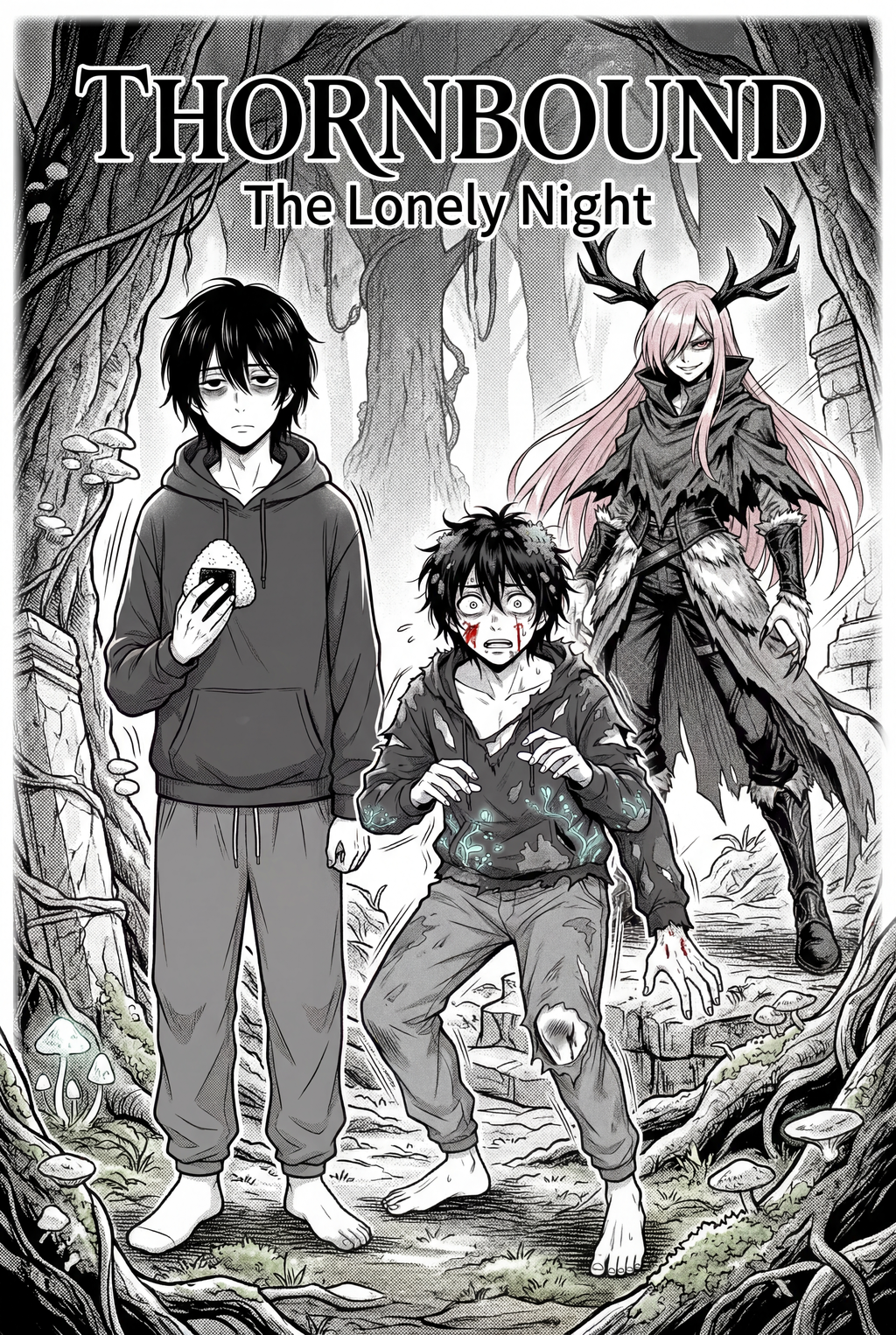
AI Manga Colorist: What Pro-Quality" Means for AI Manga Colorist in Color Vertical Comic Platforms
AI Manga Colorist for Shonen manga helps creators choose the right Mangaka workflow for cleaner pages, steadier style, and review-ready output. The comparison starts with production speed, manual control, line quality, and export readiness because those factors shape whether a page can move into final review.
You are likely looking for a balance between speed and stylistic integrity. In the Shonen genre, professional quality is defined by how well the color layer supports the kinetic energy of the line work without muddying the visual hierarchy of the page.
Prioritize Creative Risks by Reader Impact
When evaluating whether a coloring tool meets the "pro" bar, keep these three benchmarks in mind:
- Line Integrity: The original ink weight—especially in heavy-shadowed action panels—must remain crisp. If the coloring process creates "bleeding" or blurs your cross-hatching, the intensity of the scene is lost.
Shonen characters often undergo various forms or power-ups; your tool must recognize and retain color IDs throughout a sequence.
- Atmospheric Depth: Pro coloring isn't just about flat fills; it requires subtle gradients and lighting cues that emphasize panel readability rather than distracting from it.
Export Checks Before Publishing
** You need to ensure the final file doesn't fall apart during platform compression. High-quality exports should utilize native resolution settings that prevent the "glow" of colors from bleeding into the black ink paths, which can happen if the color layer is not properly masked. Always check your output against your original sketches to ensure no critical screen tones were inadvertently erased or misinterpreted by the software.
Common Quality Pitfalls
Creators often jump into coloring tools hoping for a "magic button" solution, only to find that the resulting files are unusable for professional distribution. You must avoid the common traps that sacrifice your unique artistic signature for the sake of automation.
Line Art and Panel Readability
The most frequent issue is the "smearing" of fine line art. When an algorithm applies color aggressively, it often treats fine textures like hair strands or background speed lines as pixels to be blended. This results in a loss of definition that makes the action hard to follow. To counter this, look for tools that allow you to define the ink layer as a protected entity, ensuring the color sits behind the art rather than overwriting it.
Revision Time and Export Risk
Time spent fixing AI artifacts can eventually exceed the time it would have taken to color manually. If your workflow requires you to manually re-ink areas that the software "ate," your efficiency gain is neutralized. Furthermore, watch out for proprietary export formats that compress your image files too aggressively, stripping away the metadata needed for high-quality printing or high-resolution vertical comic platforms displays.
How Mangaka Maintains Consistency in Shonen
You need a tool that understands the specific needs of Shonen, where high-contrast panels and recurring character designs are the industry standard. Mangaka is built specifically to address the tension between automation and manual artistic control.
Workflow Fit for Creator Output
Mangaka integrates into your existing AI Manga Colorist for Shonen manga with Mangaka by prioritizing the preservation of your original line work. Instead of flattening your image, it treats the ink layer as the master anchor, applying color in a way that respects the boundaries of your linework. This ensures that even your most complex transformation scenes retain the dramatic contrast your readers expect.
Review Controls Before Export
Mangaka provides you with the final authority over your pages. Before the export, the tool allows you to isolate specific color zones, ensuring that if you have a recurring character signature color—like a specific shade for a spirit aura or a hero’s uniform—it stays consistent. You aren't just letting a black box decide; you are guiding the output to match your artistic intent, reducing the need for post-export cleanup.
Best Practices to Improve Output
Achieving a professional finish requires a rigorous standard of input and review. When you prepare your pages, think of the AI as an assistant that requires clear instructions to perform at its best. This keeps the review focused on story intent, line weight, panel readability, and the export quality behind the final AI Manga Colorist output.
Creative Decisions and Export Quality
Focus on "clean" preparation before feeding your pages into any digital system. Remove excess dust, stray pencil marks, and artifacts from your original scans. When the AI has a clear, high-contrast ink-on-white image to work with, it makes fewer interpretation errors, resulting in cleaner color boundaries that don't bleed into your linework.
Workflow Fit and Review Needs
Always verify your color profiles before uploading to your host. Shonen manga often features intense, saturated colors that may look drastically different on mobile screens compared to desktop monitors. Ensure you are exporting in sRGB for web compatibility, and perform a "zoom-in" test on your most detailed action panels to ensure that no digital haloing has appeared around your impact lines.
Export quality depends on whether the creator can still adjust cleanup, line weight, and handoff settings after AI assistance. Wacom comic and manga creation guidance ties that point to drawing practice instead of broad AI-image claims. Setup Readiness. Creators should define the scene goal, character references, page count, reading direction, and target Color vertical comic platforms.
That gives AI Manga Colorist enough context to support the story instead of producing disconnected panels. ** Creators should check line weight, facial expression, pose clarity, panel order, and space for dialogue before export. Those checks matter more for Shonen pages because action beats and emotional pauses need to read quickly.
- Production context. Anime News Network's manga production feature describes manga as staged work from rough draft to finished page. Use it to judge whether AI inking helps cleanup without weakening review.
- Reader expectations. MyAnimeList manga news keeps genre expectations visible for readers who scan action, character acting, and page rhythm quickly. Shonen inking should preserve panel clarity, not just cleaner lines.
- Drawing practice. Wacom's comic and manga creation guide ties tool choice to brush control, cleanup effort, and export readiness. That keeps review grounded in creator workflow.
The Bottom Line
A useful coloring pass keeps the story goal, visual style, and review step clear before export. AI Manga Colorist gives creators a faster first pass without removing the final human review. Creators can use each revision decision to clarify panel readability, character consistency, and export quality before publishing or sharing.
Start creating with AI Manga Colorist for Shonen manga when you are ready to turn the reviewed idea into finished manga pages. Test it with one real page goal, one reference boundary, and one export requirement so the decision stays tied to production quality.



Discussion