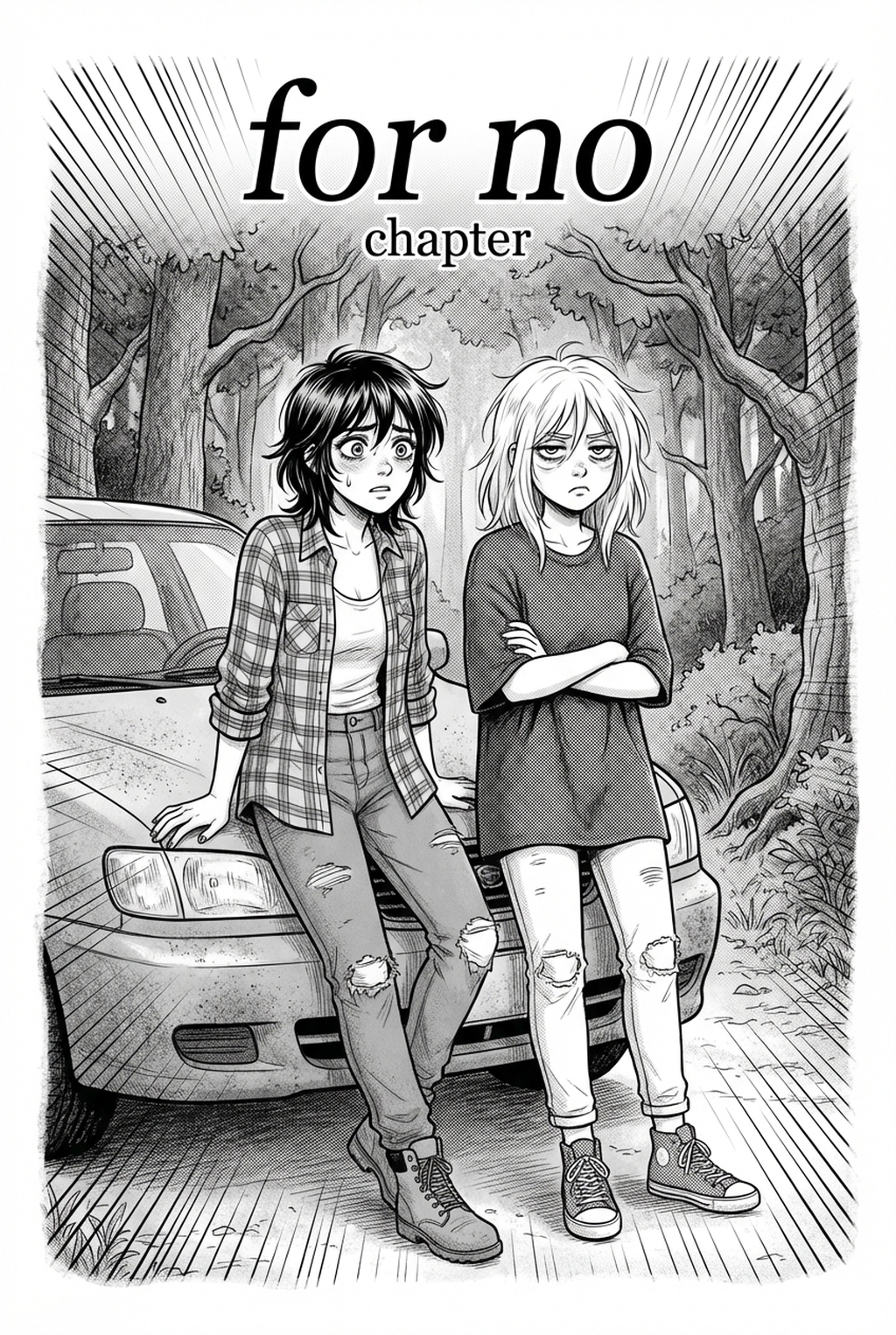
AI Manga Inker for Isekai manga helps creators compare generation speed, manual art control, line quality, and Shonen page-readiness before choosing a production workflow. The main tradeoff is fast first-pass page output versus deeper manual control before export.
AI Manga Inker: What Pro-Quality" Means for AI Manga Inker in Full Color Manga
The Anime News Network feature on how manga is made describes manga as staged work from rough draft to finished page. That production context matters for Isekai creators because AI assistance is useful only when the sketch, inking pass, and final page review stay connected.
Isekai manga inking workflow helps creators choose the right Mangaka workflow for cleaner pages, steadier style, and review-ready output. The comparison starts with production speed, manual control, line quality, and export readiness because those factors shape whether a page can move into final review.
When you look at industry-standard manga, professional quality is defined by the hierarchy of lines. Your eyes should naturally follow the most important elements—the characters' expressions—before wandering to the environment. Achieving this in a full-color format means your lines must remain crisp enough to host vibrant coloring layers without muddying the visual hierarchy.
Prioritize Creative Risks by Reader Impact
- Line Weight Consistency: Professional inkers vary line thickness to indicate depth and weight. High-quality AI tools must respect your initial sketch’s pressure sensitivity, ensuring that foreground figures remain bold while background details recede with thinner, lighter strokes. * Artifact-Free Cleanliness: Your primary enemy in digital production is "dirty" line art. Pixelation, stray dots, or fuzzy edges create a halo effect when you apply base colors, making the final page look amateurish. * Texture Preservation: If your style relies on traditional pen or brush textures, the ink must replicate that feel rather than creating vector-like, sterile edges that clash with your hand-painted coloring style.
Export Checks Before Publishing
Before you finalize an export for your colorist or for your own coloring pass, always perform a resolution check. Full-color manga requires at least 300 to 600 DPI to survive the compression of digital reading platforms. Verify that your ink layer is exported as a transparent PNG so that you have total control over the stacking order of your background, line, and shadow layers.
Common Quality Pitfalls
When integrating technology into your production process, you might find that certain automated methods strip away the "human" touch that makes your Isekai story feel alive. If you rely too heavily on black-box systems, you risk losing the nuance that defines your unique aesthetic.
Line Art and Panel Readability
A frequent mistake creators make is allowing an inking tool to interpret every single scribble on a rough page as a definitive line. In a dense Isekai cityscape or a crowded magic battle, this can result in "visual noise" where the reader cannot distinguish between a character’s hair and the background architecture. You must ensure your tool prioritizes primary action lines over secondary cross-hatching, maintaining the clear separation between the protagonist and their environment.
Revision Time and Export Risk
Relying on software that lacks a preview mode creates a bottleneck. Always prioritize tools that offer a "draft and review" cycle to minimize the risk of losing hours of work to an export that doesn't meet your publication's technical specifications.
How Mangaka Maintains Consistency in Isekai
For Isekai Projects. Maintaining the exact same look for your armor, weaponry, and magical effects across fifty chapters is vital. AI Manga Inker for Isekai manga with Mangaka solves the consistency problem by functioning as an intelligent assistant that understands your personal sketch style, ensuring that the "inking" remains cohesive even when the scenes change from a dark dungeon to a sun-drenched throne room.
Workflow Fit for Creator Output
Mangaka is designed to integrate into your existing file structure. Rather than forcing you to move to a proprietary cloud platform, it works with your sketch imports. You simply upload your pencil work, and the engine generates a clean, inked version that respects the line weight variations you established in your drafts. This is particularly useful for character transformation sequences where consistency in facial features and costume ornaments is essential.
Review Controls Before Export
Mangaka provides a robust review interface. You can adjust the intensity of the inking, allowing you to strike the perfect balance between clean, digital lines and the organic, hand-drawn look that fans expect from high-quality manga. This control ensures that when you move to the coloring phase, your lines serve as a clear guide rather than a barrier to the artistic expression of your world.
Best Practices to Improve Output
To get the best results, you need to prepare your digital "paper" just as you would for traditional inking. Think of the AI not as a magic button, but as a digital colleague that performs the heavy lifting of cleanup.
Creative Decisions and Export Quality
- High-Contrast Sketches: Ensure your pencil sketches are scanned or exported with high contrast. If your sketches are too faint, the tool may struggle to distinguish between important character anatomy and stray shading lines. * Defined Panel Borders: Treat panel borders as separate entities. If your AI tool includes them in the inking pass, they may become distorted. Always use a dedicated tool or a ruler layer for panels to maintain perfect geometric sharpness.
Workflow Fit and Review Needs
- Layer Separation: Always output your inked lines on a dedicated, transparent layer. This allows you to place your coloring underneath the ink, preventing the "color bleeding" that occurs when ink and color are merged on a single layer.
- Resolution and Dithering: Double-check your settings to avoid "dithering"—that speckled look that happens when low-resolution files are scaled up. High-quality output is essential for the visual fidelity required by platforms like MyAnimeList or other community-driven manga sites.
Release cadence belongs in the production context for manga tools. For creators, the useful product question is whether pages stay readable when schedule pressure rises. Export quality depends on whether the creator can still adjust cleanup, line weight, and handoff settings after AI assistance. Wacom comic and manga creation guidance ties that point to drawing practice instead of broad AI-image claims.
- Reader expectations. MyAnimeList manga news keeps genre expectations visible for readers who scan action, character acting, and page rhythm quickly. Shonen inking should preserve panel clarity, not just cleaner lines.
- Drawing practice. Wacom's comic and manga creation guide ties tool choice to brush control, cleanup effort, and export readiness. That keeps review grounded in creator workflow.
The Bottom Line
A useful inking pass keeps the story goal, visual style, and review step clear before export. AI Manga Inker gives creators a faster first pass without removing the final human review.
Start creating with Isekai manga inking workflow with Mangaka when you are ready to turn the reviewed idea into finished manga pages. Test it with one real page goal, one reference boundary, and one export requirement so the decision stays tied to production quality.



Discussion