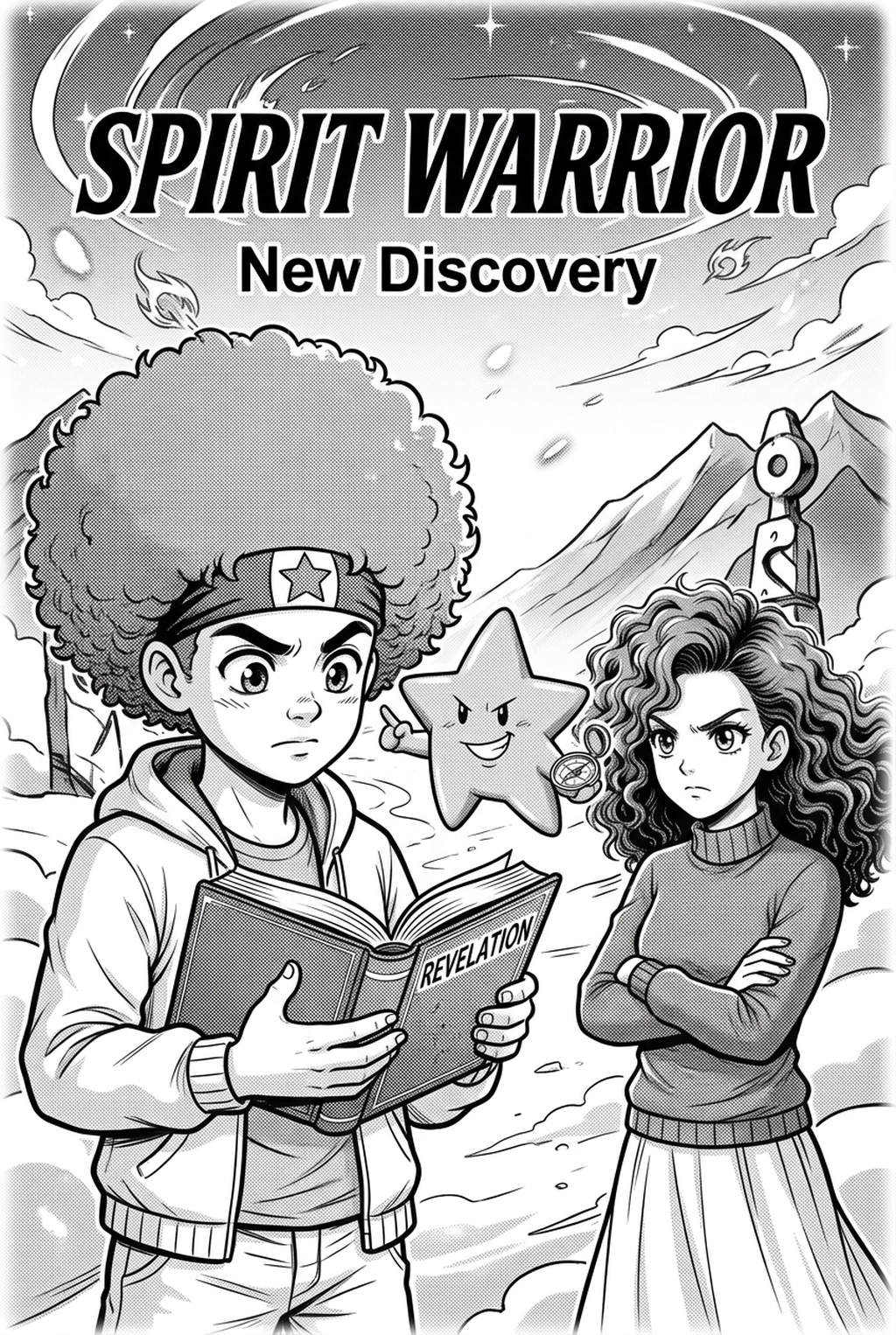
AI Manga Inker: Compare Core Workflow for AI Manga Inker
AI Manga Inker for Shonen manga helps creators choose the right Mangaka workflow for cleaner pages, steadier style, and review-ready output. The core workflow is the foundation of any creative tool. Understanding how Mangaka and Clip Studio AI approach manga page creation provides a crucial first step in choosing the right AI Manga Inker.
Mangaka: Generates Manga Pages from a Creator Brief
Mangaka simplifies the Shonen manga creation process by focusing on automated line art generation. The core workflow begins with a script or a rough pencil sketch. The AI then converts these inputs into clean, inked line art. This streamlined approach minimizes the time spent on tedious inking, freeing up creators to focus on storytelling and composition. The primary goal of this AI Manga Inker is to convert your initial concept into finished panels quickly. Mangaka's strength lies in its ability to generate consistent line art across multiple pages, making it ideal for webtoon-style manga.
Clip Studio AI: Supports Studio-Based Illustration Work
Clip Studio AI, while not exclusively an AI Manga Inker, provides a comprehensive suite of tools for digital art creation. Its workflow involves a more hands-on approach, where the creator maintains more control over every aspect of the art. This includes sketching, inking, coloring, and adding effects. While it offers AI assistance, such as automatic coloring and pose generation, the emphasis is on enabling studio-based illustration workflows. Creators can manually adjust every element, offering deep editing capabilities that go beyond simple line art generation. This can be great for detailed illustrations, but it can also add time to the production production process.
Compare Feature Coverage for Shonen Creators
The tools' feature sets reflect their different approaches to manga creation. The right fit depends on your desired level of control and the specific needs of a Shonen project. The useful distinction is whether the creator values manga-specific structure or broader illustration control more in this step.
Mangaka: Converts Scripts into Panels and Line Art
Mangaka is specifically designed to convert scripts or sketches into finished manga panels. The feature set centers around automated line art generation. You can input your script, and the AI will generate panels, including character poses and backgrounds, based on your descriptions. AI Manga Inker for Shonen manga with Mangaka converts your pencil sketches into clean inked line art automatically. This tool excels at maintaining consistency across multiple pages, which is essential for a cohesive visual style in Shonen manga. The focus is on automating the inking process, saving creators significant time.
Clip Studio AI: Controls Drawing, Editing, and Asset Detail
Clip Studio AI offers a broader range of features, including drawing tools, editing capabilities, and access to a vast library of assets. Creators have full control over every aspect of their artwork, from sketching and inking to coloring and adding special effects. The tool includes features like 3D model integration, perspective rulers, and advanced text tools. This level of control is great for detailed illustrations and complex panel layouts. However, it requires more time to master the software and manually adjust every element. Clip Studio AI supports a wide variety of file formats and export options, making it versatile for various publishing platforms.
Compare Panel Quality and Style Control
Panel quality and style control are vital for any Shonen manga, and the approaches of Mangaka and Clip Studio AI differ significantly in these areas. Clip Studio AI can still be useful when manual art direction matters more than repeatable manga page output.
Mangaka: Preserves Color Webtoon Consistency Across Pages
Mangaka's strength is preserving style consistency across panels, especially for webtoon-style manga. The AI inker is trained to maintain a uniform line weight and style. This is essential for webtoons, where readers expect a consistent visual experience. This feature ensures that the art style remains consistent throughout the entire manga, which is crucial for building a cohesive narrative. The tool is especially adept at handling the dynamic action sequences common in Shonen, such as battle scenes and transformations, making sure that each panel has the same visual style.
Clip Studio AI: Enables Manual Control for Detailed Edits
Clip Studio AI provides greater manual control over panel quality and style. Creators can fine-tune every aspect of their artwork, from line weight and shading to coloring and special effects. This level of control is ideal for creators who want to achieve a specific artistic style or make detailed edits to their panels. Wacom tablets are a common choice for artists using Clip Studio AI to achieve precise control over line work. The ability to manually adjust every element allows for greater artistic expression and the creation of highly detailed panels. However, this also means more time is required for each panel.
Compare Pricing by Creator Workflow Needs
The pricing model and the tool's fit within your operating workflow are crucial considerations. The ideal choice depends on your budget, production speed, and the complexity of your manga project. Mangaka is easier to evaluate when the creator can compare the generated panels against the brief, reference sheet, and intended reading flow.
Mangaka: Reduces Setup Time for Manga Page Production
Mangaka offers a straightforward pricing model that is designed to be accessible for creators of all levels. It focuses on reducing setup time for manga page production. The tool offers a free trial to get started. The primary advantage is the speed at which you can produce inked panels. This makes it ideal for creators who want to quickly generate a large volume of manga pages. The pricing model is designed to be cost-effective, allowing creators to allocate more resources to other aspects of their work, such as marketing or story development.
Clip Studio AI: Supports Full Studio Art Pipelines
Clip Studio AI offers a more complex pricing structure, including one-time purchases and subscription options. The software is designed to support full studio art pipelines. The cost can be higher, but the investment is justified for creators who require advanced features and extensive control over their artwork. MyAnimeList is a great resource to understand the professional manga landscape and the standards of quality expected by readers. The features and capabilities of Clip Studio AI make it a powerful tool for professional manga artists and studios.
Which Tool Should You Choose?
The best tool for you depends on your individual needs and goals. Consider the following recommendations to make your decision. That keeps the recommendation tied to workflow fit instead of an unbalanced product claim. The useful distinction is whether the creator values manga-specific structure or broader illustration control more in this step.
Choose Mangaka When Manga Output Leads
If your priority is to quickly generate inked line art and maintain a consistent style, especially for webtoon-style manga, Mangaka is the better choice. Its automated inking process allows you to generate panels rapidly, freeing up time to focus on other aspects of your manga production. This is especially beneficial if you're working on a tight deadline or have a large volume of pages to produce. The focus on automated inking is ideal for creators who want a streamlined workflow.
Choose Clip Studio AI When Manual Art Control Leads
If you require extensive manual control over every aspect of your artwork, including detailed edits, special effects, and a highly customized style, Clip Studio AI is the better choice. Anime News Network highlights the importance of quality in manga, and Clip Studio AI gives you the tools to achieve a high level of artistic detail. This is beneficial if you want to create highly detailed panels or experiment with different art styles. The deep feature set allows for greater artistic expression.
Before export, creators should compare the generated line art with the original sketch and confirm that facial expressions, props, speed lines, and speech-bubble space still support the scene. A repeatable review pass should cover character consistency, panel readability, background clarity, and whether the final file is ready for coloring, lettering, or editor feedback.
The Bottom Line
The bottom line: a useful inking pass keeps the story goal, visual style, and review step clear before export. AI Manga Inker gives creators a faster first pass without removing the final human review. Start creating with AI Manga Inker for Shonen manga when you are ready to turn the reviewed idea into finished manga pages.



Discussion