AI Manga Character Designer: Prerequisites for AI Manga Character Designer in Seinen
The Anime News Network feature on how manga is made describes manga as staged work from rough draft to finished page. That production context matters for Seinen creators because AI assistance is useful only when the sketch, inking pass, and final page review stay connected.
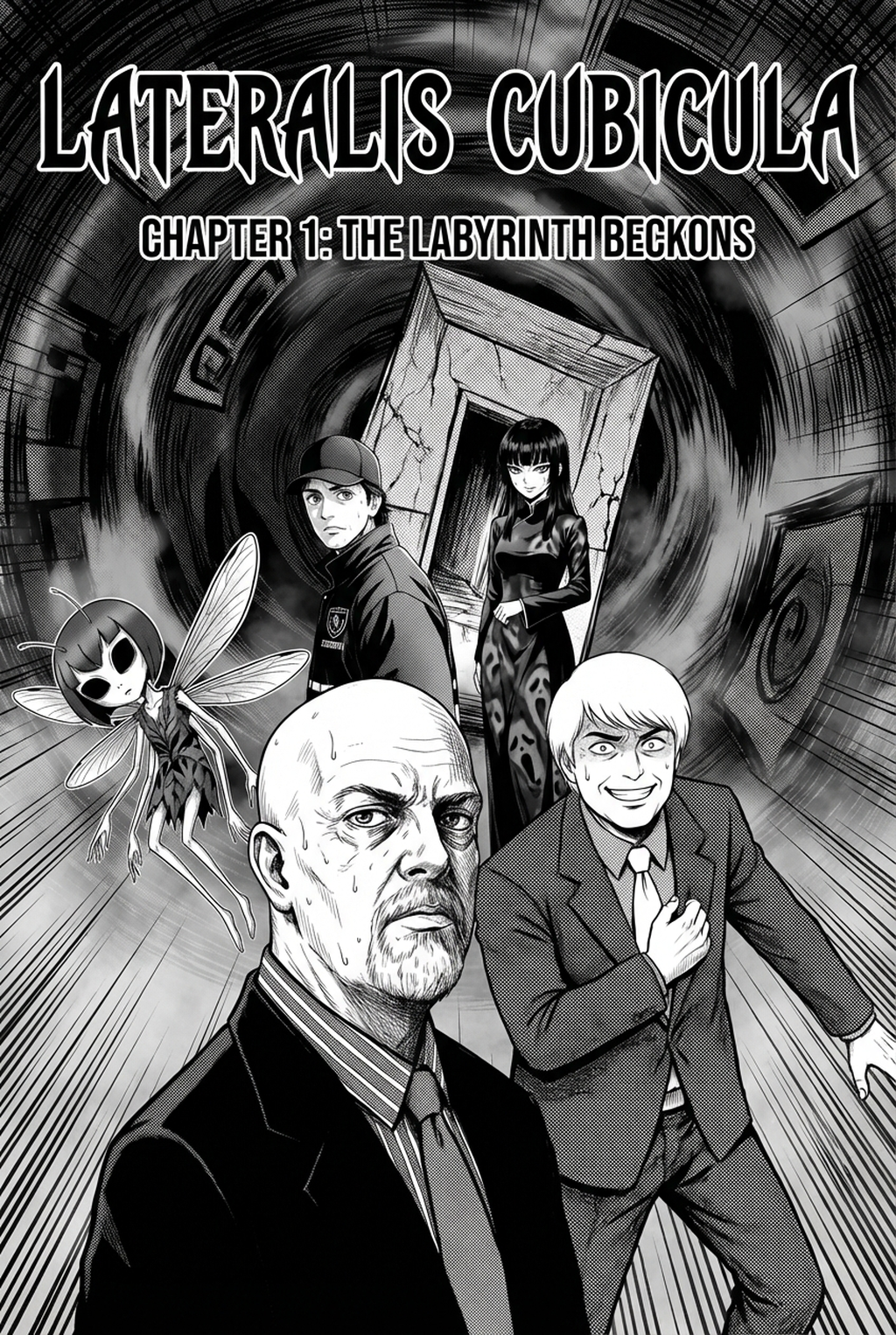
AI Manga Character Designer for Seinen manga helps creators choose the right Mangaka workflow for cleaner pages, steadier style, and review-ready output. The comparison starts with production speed, manual control, line quality, and export readiness because those factors shape whether a page can move into final review. You are entering a creative space where the nuance of a character’s expression defines the tension in your story. Before you begin, your vision for your protagonist's silhouette and personality must be sharp enough to translate into detailed text descriptors.
Creative Decisions and Export Quality
Your needs as a Seinen creator involve more than just drawing; you require a narrative-focused tool that handles the specific weight of shadows and line art characteristic of the genre. Before choosing a designer, assess whether your project requires:
- Persistent Visual Identity: The ability to lock in character traits so your lead looks the same in a crowded street scene as they do in a close-up. * Genre-Appropriate Aesthetics: Support for high-contrast, black-and-white ink work that avoids the "soft" look common in other AI models. * Panel-Ready Formats: Assets that are ready to be placed directly onto a page without significant cleanup or resizing.
Quality Checks Before Export
Your panels are the window through which your audience views your world, and their quality depends on your final review. Before finalizing your designs, verify these elements:
- Anatomical Stability: Ensure limbs and proportions remain consistent across different character poses.
- Shadow Density: Verify that the black-and-white ratios reflect the moody, atmospheric style standard in titles like Berserk or Monster, as noted in industry design standards .
- Costume Continuity: Check that intricate gear, scars, or weaponry do not shift design between panels.
Step 1: Sign Up at Mangaka
Start by preparing the creative brief, reference notes, character constraints, and export target before generation. The setup matters because a clearer brief gives the review pass something specific to judge: silhouette, expression, panel readability, and file readiness. You can begin your journey by creating an account at AI Manga Character Designer for Seinen manga with Mangaka . The signup process is designed to get you into the creative interface immediately, removing the friction of complex technical setups. By centralizing your project history in one place, you ensure that your character references are always within reach as your story progresses.
Step 2: Paste or Upload Your Seinen Script
Step 3: Generate and Download Black-And-White Panels
Tips for Best Results in Seinen Manga
You need your characters to feel grounded, not polished to the point of sterility. To maintain the gritty edge of your Seinen world, keep the following approaches in mind for your character generation.
Design Stability and Consistency
To avoid the "wandering" character look, provide the AI with a base description that includes fixed details—such as eye shape, hair length, and unique scars. When you find a character variation that resonates with your vision, use it as a reference for all subsequent panel generation to maintain strict costume and facial continuity.
Workflow Fit and Review Needs
Seinen manga relies heavily on line density and the use of negative space. Ensure that your settings prioritize sharp, clean blacks and crisp white backgrounds. If you find the line work is too thin, adjust your descriptors to emphasize "bold ink strokes" or "heavy shading," which will force the engine to favor the classic manga aesthetic.
Release cadence belongs in the production context for manga tools. For creators, the useful product question is whether pages stay readable when schedule pressure rises. Export quality depends on whether the creator can still adjust cleanup, line weight, and handoff settings after AI assistance.
Wacom comic and manga creation guidance ties that point to drawing practice instead of broad AI-image claims. Setup Readiness. Creators should define the scene goal, character references, page count, reading direction, and target Black-and-white panels. That gives AI Manga Character Designer enough context to support the story instead of producing disconnected panels.
- Reader expectations. MyAnimeList manga news keeps genre expectations visible for readers who scan action, character acting, and page rhythm quickly. Shonen inking should preserve panel clarity, not just cleaner lines.
- Drawing practice. Wacom's comic and manga creation guide ties tool choice to brush control, cleanup effort, and export readiness. That keeps review grounded in creator workflow.
The Bottom Line
A useful creator workflow keeps the story goal, visual style, and review step clear before export. AI Manga Character Designer gives creators a faster first pass without removing the final human review. Creators can use each revision decision to clarify panel readability, character consistency, and export quality before publishing or sharing. Start creating with AI Manga Character Designer for Seinen manga when you are ready to turn the reviewed idea into finished manga pages. Test it with one real page goal, one reference boundary, and one export requirement so the decision stays tied to production quality.



Discussion