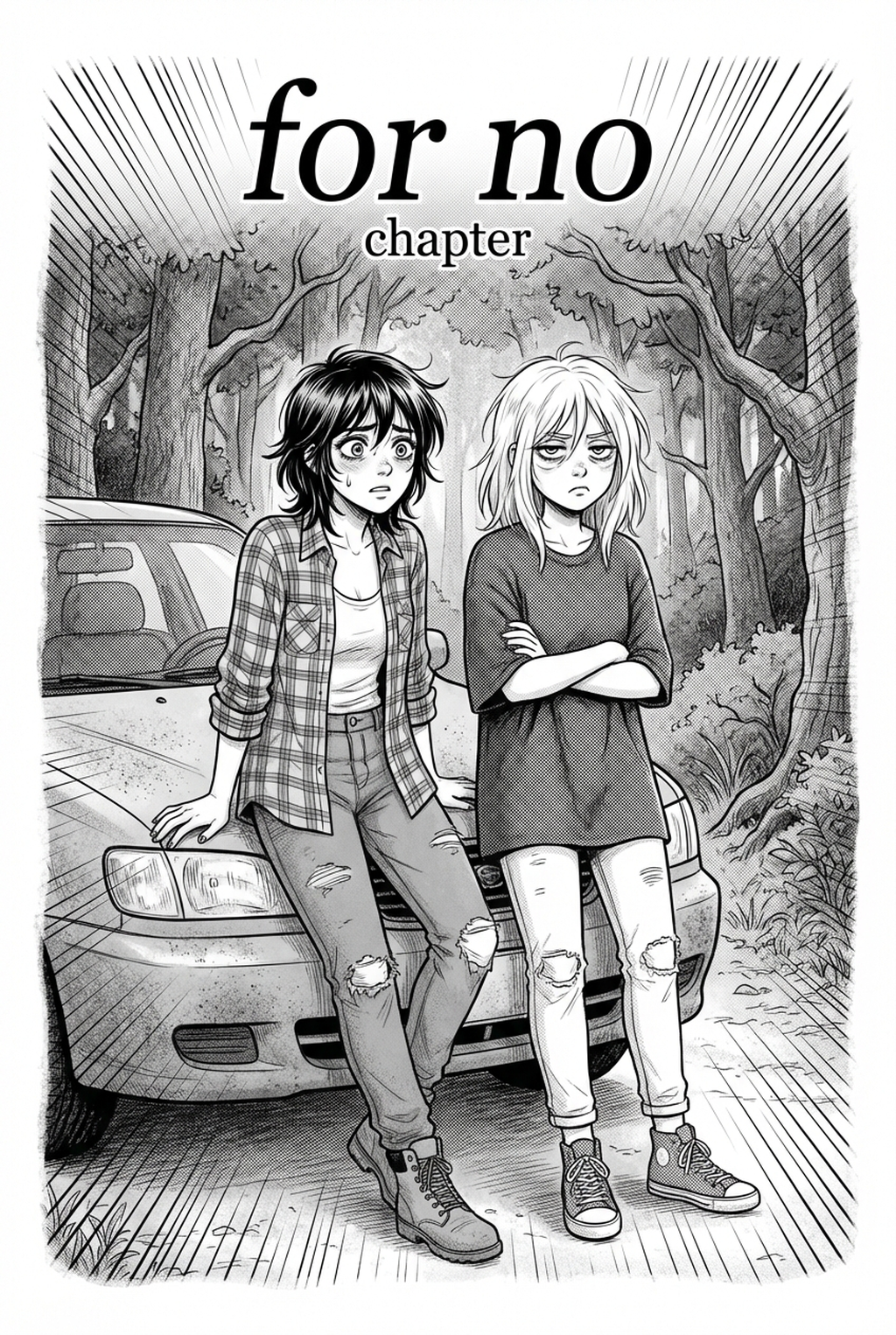
What is AI manga character design workflow?
The AI manga character design workflow is currently a hot topic, representing a structured process that uses artificial intelligence to generate manga characters. It's quickly becoming a cornerstone of modern manga creation, changing the speed and quality of character development. This workflow isn't just about automation; it's about empowering creators with tools to bring their visions to life more efficiently and effectively. This is where AI character generators come in, leading to a much more efficient character creation process.
The key components of this workflow include several crucial steps. First, you have creative brief engineering, which involves crafting detailed text descriptions that guide the AI in generating the desired character. Next comes character generation, where the AI processes the creative briefs and produces initial character designs. After this, comes iterative refinement, the process of adjusting creative briefs or parameters to fine-tune the character's appearance. Finally, there's integration, where the generated characters are incorporated into manga panels, storyboards, and final manga pages.
The evolution from traditional methods to AI-driven character creation is a significant shift. Traditionally, manga artists relied on hand-drawn sketches, which could be time-consuming and required considerable artistic skill. The AI-driven approach streamlines this process, allowing creators to generate multiple character variations, experiment with different styles, and achieve a high level of consistency across their work. This is why this approach is trending now.
Why AI Manga Character Designer matters for manga creators
The rise of the AI Manga Character Designer workflow matters greatly for today's manga creators. It offers a variety of benefits, especially in today's rapidly evolving creative landscape.
First and foremost is efficiency gains. AI can drastically speed up the character creation process, reducing the time spent on repetitive tasks like sketching multiple iterations or redrawing characters to maintain consistency. This frees up creators to focus on other crucial aspects of manga creation, such as storytelling, panel composition, and dialogue. Consider the time saved on drawing hands or complex hairstyles repeatedly; AI tools can automate these tasks, saving hours.
Consistency is another key advantage. Maintaining a unified visual identity across panels and chapters is vital for a professional manga. AI ensures that characters look the same throughout the series, no matter how many panels they appear in. This prevents inconsistencies that can distract readers and damage the overall quality of the work. This is especially useful for creating character sheets, where the same character needs to be shown from multiple angles and in different poses.
Creative exploration also benefits from this workflow. AI tools allow creators to experiment with diverse styles and character designs without the constraints of traditional artistic limitations. Creators can quickly generate variations of a character, try different outfits, or explore new art styles, all within a matter of minutes. This ability to rapidly prototype and iterate on designs can lead to more innovative and compelling characters.
Finally, cost-effectiveness is a significant factor. Reducing the need to hire artists for character design can save manga creators a considerable amount of money, especially for independent creators or those working on a tight budget. This allows creators to invest resources in other areas of production, such as marketing, printing, or hiring assistants for tasks like inking or coloring.
For a practical workflow, AI manga character design workflow keeps script input, panel generation, and creator review in one place.
How AI manga character design workflow works with Mangaka
Mangaka is a cutting-edge AI tool designed to streamline the page workflow. It provides a comprehensive solution for manga creators looking to leverage the power of AI in their character creation process.
Mangaka's core features center around text-to-character generation, style customization, and character consistency. This means you can describe your desired character in detail, specify the manga style you prefer, and ensure that the character's appearance remains consistent across multiple panels and pages. This is the core of its value proposition. Generates consistent manga-style characters from text descriptions.
The step-by-step process with Mangaka is intuitive and user-friendly. First, you input detailed creative briefs describing your character's appearance, personality, and any specific features. The more detailed your creative brief, the better. Then, Mangaka generates initial character designs based on your creative briefs. You can then refine these designs by adjusting the creative briefs, modifying parameters, or using the in-app editing tools. Finally, you integrate the generated characters into your manga panels, storyboards, or finished pages.
Illustrative examples showcase how Mangaka solves common challenges. For instance, if you need different versions of the same character in various outfits, Mangaka can generate these variations with ease. If you struggle with maintaining consistent facial features across panels, Mangaka ensures that the character's face remains consistent. If you are struggling with character variation, Mangaka can create multiple versions of the same character.
Integrating Mangaka into existing workflows is straightforward. You can use Mangaka alongside other tools and software, such as digital art programs like Clip Studio Paint or Adobe Photoshop. Characters generated in Mangaka can be exported as PNG or PDF files and imported into your preferred manga creation software. This seamless integration allows you to maintain your current production process while incorporating the benefits of AI-driven character design.
Use cases for AI Manga Character Designer
The page planning workflow offers a wide range of use cases, empowering manga creators to enhance their production process.
One primary use case is character sheet creation. Mangaka can generate detailed character sheets with consistent appearances, providing a visual reference for artists and ensuring consistency across the entire series. These sheets can include multiple angles, expressions, and poses, making it easier to maintain a unified visual identity.
Panel creation is another significant application. Characters generated with AI can be seamlessly integrated into panels, allowing creators to quickly compose scenes and visualize their stories. This speeds up the production process and allows creators to experiment with different panel layouts and compositions.
Storyboarding benefits greatly from this workflow. Creators can design character poses and expressions for storyboarding, helping them plan out their scenes and visualize the flow of their narratives. This speeds up the storyboarding process and helps creators refine their storytelling before they begin drawing the final panels.
Creating variations is also a key use case. AI tools can generate different versions of the same character, such as in different outfits or poses. This is particularly useful for creating alternative character designs, promotional materials, or simply experimenting with different looks for your characters.
Step-by-step guide to start with Mangaka
Getting started with Mangaka is simple and straightforward, allowing creators to quickly begin incorporating AI into their character design workflows.
First, you'll need to sign up for an account. Visit the Mangaka website and follow the registration instructions. Once you have an account, you can log in and begin exploring the platform.
Navigating the interface is intuitive. Familiarize yourself with the key features and tools available, such as the text input field for creative briefs, the style selection options, and the character generation controls. Take some time to explore the different settings and options to understand how they affect the character designs.
Writing effective creative briefs is crucial for generating the desired characters. Provide detailed descriptions of your character's appearance, including hair color, eye shape, clothing style, and any other relevant features. The more specific your creative brief, the better the results. Experiment with different keywords and phrases to see how they affect the character designs.
Generating your first character is a step-by-step process. Input your creative brief, select your preferred manga style, and click the "Generate" button. Mangaka will then process your creative brief and generate an initial character design.
Iterating and refining designs is essential for achieving the desired results. If the initial design doesn't meet your expectations, adjust your creative briefs and try again. Experiment with different keywords, phrases, and style options to fine-tune the character's appearance. You can also use the in-app editing tools to make additional adjustments.
A reliable final review workflow starts with a short creative brief: genre, character notes, page count, panel mood, and the target reading direction. That gives Mangaka enough context to keep the generated page useful instead of producing disconnected images.
Creators should review the output for character consistency, panel order, speech-bubble space, and whether the final PNG or PDF can move into editing without redrawing the layout. These checks are faster when the source script and generated panels stay in one workflow.
Before export, creators should compare the page against the scene goal: mood, pose, line weight, readable dialogue, and the format needed for editing or publishing. That review keeps the result useful without repeating the same production advice.
For broader manga market context, Anime News Network industry coverage is a useful source for tracking publishing formats, creator trends, and audience expectations.
The Bottom Line
The bottom line: a useful creator workflow keeps the story goal, visual style, and review step clear before export. AI Manga Character Designer gives creators a faster first pass without removing the final human review.
Start creating with Mangaka AI Manga Character Designer when you are ready to turn the reviewed idea into finished manga pages.



Discussion