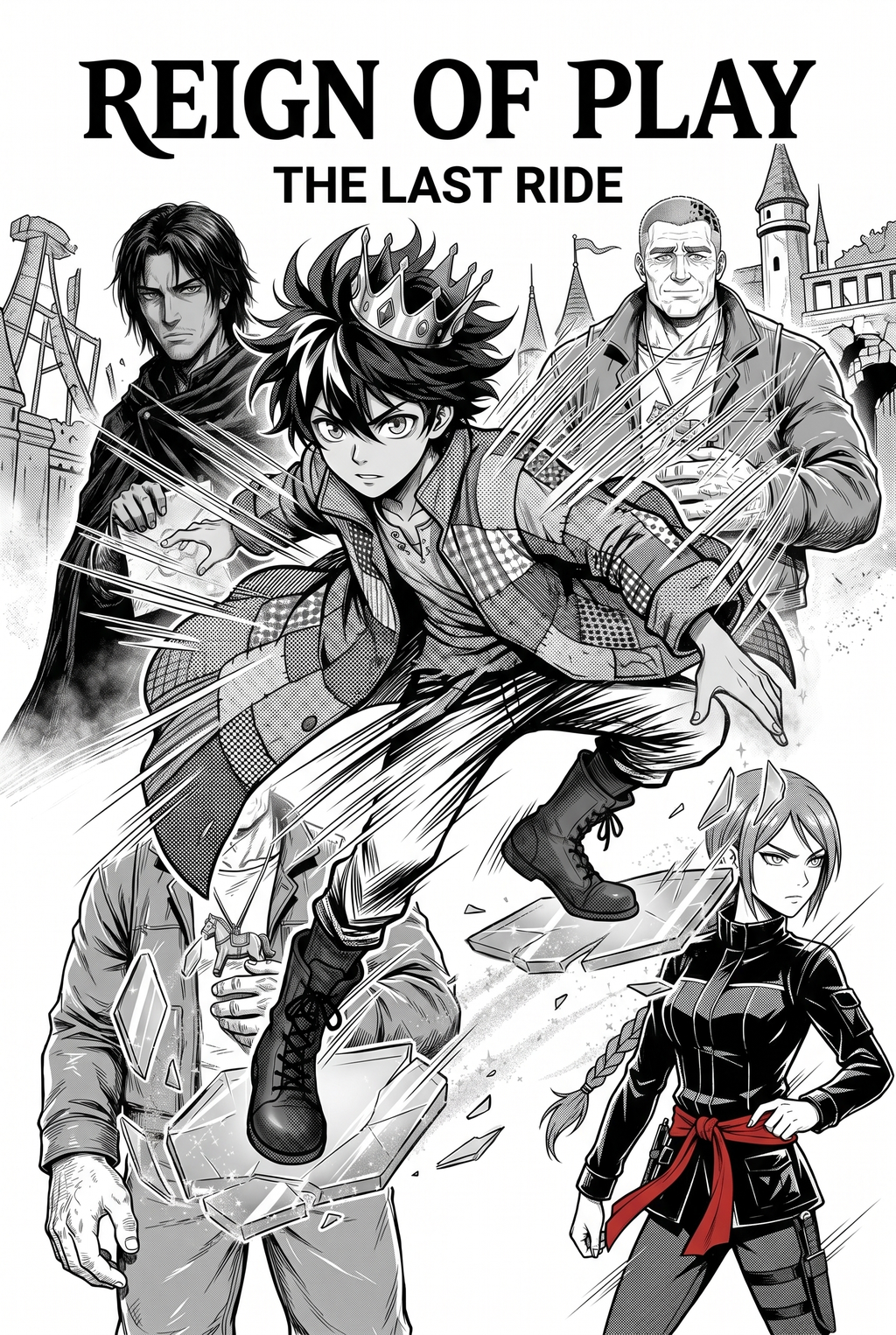
What Is AI Manga Background Artist for Seinen Manga?
Reader expectations should shape how creators review pacing, expression, and genre clarity after generation. MyAnimeList manga news keeps that audience context visible, so Seinen pages should be judged by whether readers can follow the action, character role, and visual rhythm.
A useful manga workflow ties setup, review responsibility, and export conditions to the page a creator needs to finish. That keeps the decision focused on sketch cleanup, character intent, panel readability, and the publishing handoff. You likely spend hours obsessing over architectural accuracy and screen tone placement to ensure your world feels grounded and immersive.
An AI Manga Background Artist is a specialized creative tool that translates your textual scene descriptions into high-quality, monochrome manga panels, specifically tuned to match the dense, realistic, or dark aesthetic typical of Seinen titles. * Atmospheric Control: It allows you to specify lighting conditions—like heavy shadows or stark sunlight—to match the emotional tone of your script. * Perspective Fidelity: The tool interprets complex spatial descriptions to generate accurate vanishing points and deep urban vistas.
- Monochrome Optimization: Unlike general image generators, these models are pre-trained on black-and-white ink styles, ensuring that lines remain crisp and screen tones are ready for print or digital reading.
Why AI Manga Background Artist Matters for Seinen in 2026
How AI Manga Background Artist Works for Seinen in Black-And-White Panels
You want your backgrounds to feel like a natural extension of your hand-drawn character work, which requires a precise balance between detail and readability. The workflow is designed to integrate seamlessly into your existing digital canvas, ensuring that your AI-generated assets harmonize with your unique line art. "
- Style Calibration: Select the line weight and density of the screen tones to match your character's ink style. * Generation and Integration: Once the background is generated, you export it to your illustration software as a layer, allowing you to easily adjust or mask it around your characters.
Maintaining a cohesive visual language is the biggest hurdle for any creator using automated tools. You must ensure that the AI understands the specific "grit" of your world; for example, if your story is set in a decaying industrial zone, you should emphasize texture and shadow in your text inputs. Regularly reviewing the generated output against your master character sheets helps you calibrate the tool to keep the background density consistent across the entire chapter. Visit AI Manga Background Artist for Seinen manga with Mangaka to see how these style-matching features function in practice.
Use Cases for AI Manga Background Artist
Use cases are strongest when the story goal, genre expectation, visual risk, and final export format are clear. A useful example names the page detail a creator checks before the page moves into lettering, coloring, or publishing. * Establishing Urban Sprawl: Generate expansive cityscapes with complex architecture that would otherwise require days of perspective drawing.
- Gritty Interior Sets: Create cluttered, lived-in apartments or tense office environments that ground your characters in a tangible reality. * Environmental Storytelling: Quickly produce "silent" panels—like a deserted park or an empty hospital corridor—that establish mood without needing dialogue. * Weather and Macro Details: Easily create environmental effects like heavy downpours or sweeping industrial smoke that add depth and texture to your action sequences.
Step-By-Step Guide to Start with Mangaka
Hands-on drawing control still matters after an AI first pass because creators may need to adjust line weight, cleanup, and export settings. The Wacom comic and manga creation guide anchors that review in practical art production rather than broad AI-image claims. Line Quality Through Revision.
Workflow Fit for Creator Output
Start by preparing the creative brief, reference notes, character constraints, and export target before generation. The setup matters because a clearer brief gives the review pass something specific to judge: silhouette, expression, panel readability, and file readiness. Transitioning to an AI-assisted workflow does not have to be a technical hurdle. Mangaka was designed to let you stay focused on your storytelling, not on complex software configurations. Creators can use each revision decision to clarify panel readability, character consistency, and export quality before publishing or sharing.
- ) to access the workspace. 2.
Describe Your Vision: Paste or type a detailed description of the background you need, including elements like perspective and lighting intensity. 3. Generate and Download: Review the results, regenerate if you need a different angle, and download your high-resolution file to incorporate into your pages. Export quality depends on whether the creator can still adjust cleanup, line weight, and handoff settings after AI assistance.
Creators should define the scene goal, character references, page count, reading direction, and target Black-and-white panels. That gives AI Manga Background Artist enough context to support the story instead of producing disconnected panels. For visual quality, creators should check line weight, facial expression, pose clarity, panel order, and space for dialogue before export.
Review Controls Before Export
Those checks matter more for Seinen pages because action beats and emotional pauses need to read quickly. For comparison, a useful tool should save time without flattening the creator's style. The best choice keeps the first pass editable, makes revisions visible, and leaves final judgment with the artist.
** Creators should keep a small reference sheet for recurring characters, outfits, props, and backgrounds. That makes it easier to compare generated pages and decide which panel needs a redraw. For export, creators should confirm the final PNG, PDF, or editable file can move into lettering, coloring, or layout cleanup without rebuilding the page. A clear export routine keeps the next chapter faster.
- Production context. Anime News Network's manga production feature describes manga as staged work from rough draft to finished page. Use it to judge whether AI inking helps cleanup without weakening review.
The Bottom Line
A useful creator workflow keeps the story goal, visual style, and review step clear before export. AI Manga Background Artist gives creators a faster first pass without removing the final human review. Creators can use each revision decision to clarify panel readability, character consistency, and export quality before publishing or sharing. Start creating with AI Manga Background Artist for Seinen manga when you are ready to turn the reviewed idea into finished manga pages. Test it with one real page goal, one reference boundary, and one export requirement so the decision stays tied to production quality.



Discussion